Hi Everyone,
End of the Football World Cup today. I have to say it was a lot better than I expected, although it was a shame that so many games were very early in the morning my time. Next time I hope Italy actually make it, but we shall see.
Obsidian
1.13.2 Desktop (catalyst)
New
New image lightbox for viewing images fullscreen. Click the image in reading mode to open it. Or in live preview, with an image selected, click or press Space to open it in the lightbox. Use arrow keys to navigate between all the images embedded in the current file.
Live Preview: Added keyboard interactions when an image is selected. Press + or - to resize the selected image, and 0 to reset the image size. Press Enter to edit the image, or Tab to manually edit the image size.
Vim: Added a new :image Ex command to interact with the selected image. Use :image grow and :image shrink to resize the image, and :image reset to reset the image size. It also supports a count, so :5image grow will grow the image 5 times.
Many Improvements
The System I Built after 4 Years of Using Obsidian for my PhD
Ilya shows us how using Obsidian for research is like learning to ride a bicycle; after a steep learning curve, you move at 4x the speed when it comes to literature reviews, academic writing, or memory. But it requires a mindset shift.
This video explains exactly what this is and how I built a “Wikipedia” for my research over 4 years, which enabled me to submit my PhD months ahead of time.
Interesting Reddit Posts
One vault or two? Should I use a separate Obsidian vault for my master’s thesis? I recently started using Obsidian, and I’ve already built a second brain that I’m really happy with. I’ve set up some great plugins, templates, and an organization system that works well for me.
After 3 days of hard work i finaly transfer all my stuff and i love obsidian
Thymer
Update to Backlinks
The devs significantly improved the backlinks in Thymer.
Join the unofficial Discord for more chat and updates.
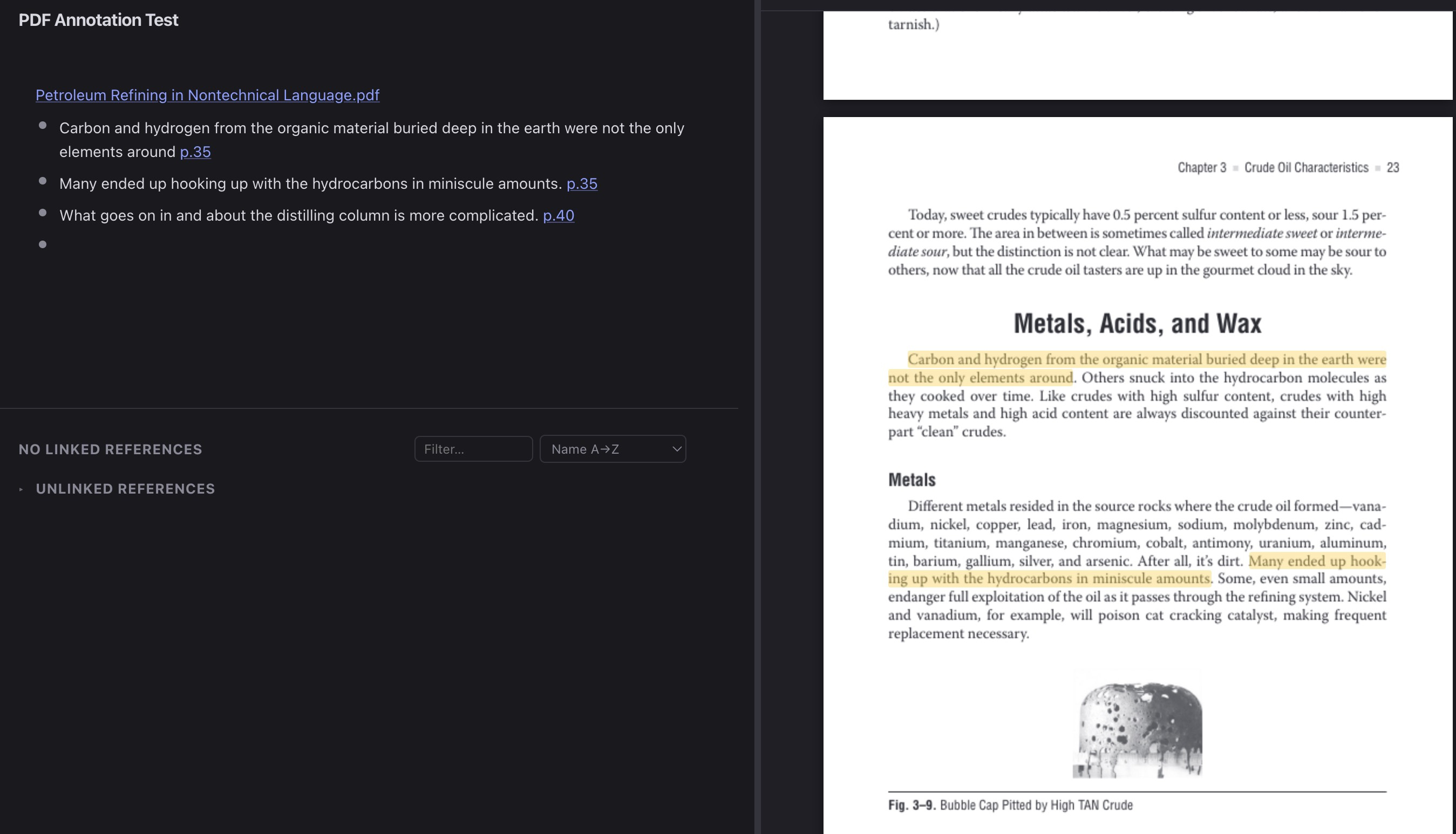
Verso
Built-in PDF reader and annotation and many other updates have been implemented in Verso notes. If interested check it out on GitHub.
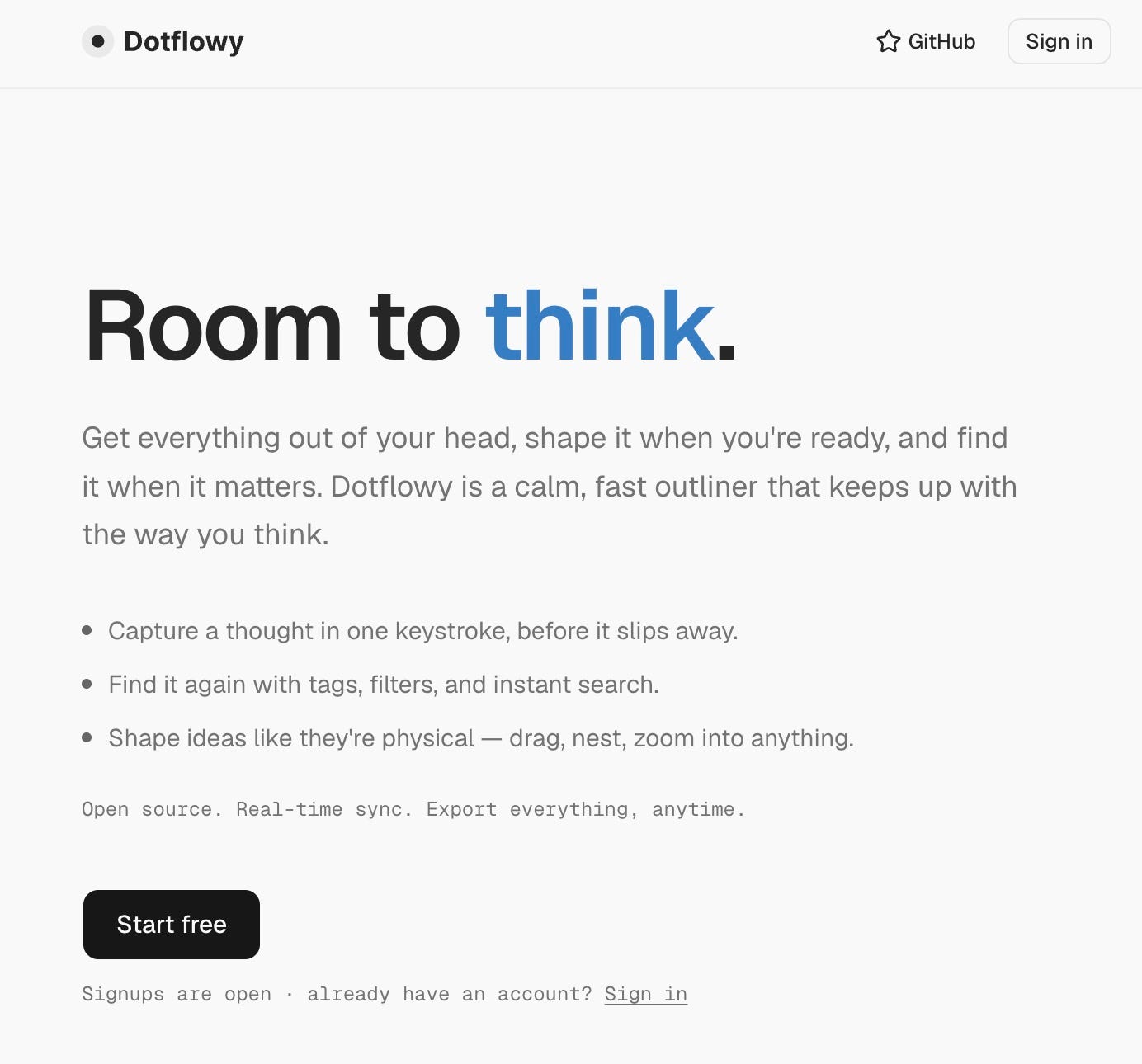
Dotflowy
dotflowy.com, the open-source Workflowy alternative, is now open for anyone to try
Tana
Finally something happening - System Lab 9: Tana Outliner Remote MCP
New Tana and Tana Outliner can finally communicate!
In this special System Lab, we’ll cover the release of Tana Outliner Remote MCP and show what this connection makes possible. We’ll explain what Remote MCP is, how to authorize it, what New Tana can use it for, and how the two tools can work together in real workflows.
We’ll finish with live examples and time for questions.
When: Wednesday, July 22nd, 8 PM PDT / 11 PM EDT
Where: Google Meet, sign up here: https://luma.com/tana-x6ek
Tana Current
The next Tana Current is early August, where we’ll cover what’s coming for both Outliner and T2. Hope you enjoy the summer if it’s shining for you!
Vellum
Vellum is getting closer and closer to being released and it is looking very good. Fingers crossed the app will be released soon.
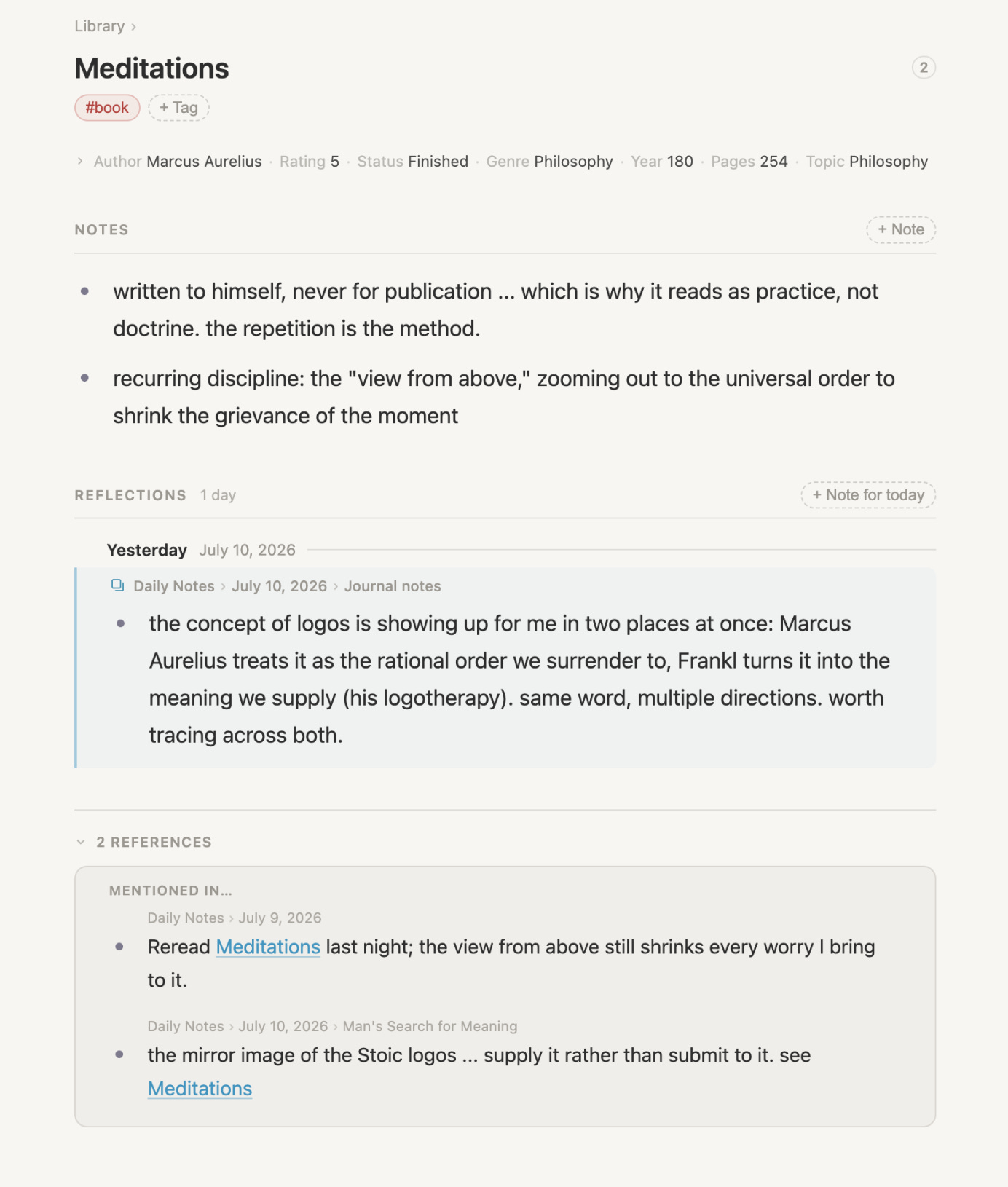
Join the Discord for early chats with the devs and help shape Vellum.
Reflect
Reflect has pivoted and is going open source.


https://github.com/team-reflect/reflect-open
Logseq
Logseq 2.0 - Logseq DB beta and RTC sync are ready for all active monthly backers
We’re excited to invite our active monthly sponsors and backers to test the Logseq DB beta and RTC sync. To access supporter features, sign in using the same email address associated with your Open Collective membership.
Some more comments on the latest update here.
Capacities
inside my digital garden ⭐︎ june system changes | capacities
Nym shares the system changes she made in Capacities pkm in June to support her in her creative practice & research hobbies.
Input Requested:
Today we'd like to ask you about reference managers such as Zotero! What specific use cases would you have in mind? How would you expect an integration to work?
Octarine
v0.47.4 out now!
External documents Octarine can now open .md and .markdown files directly from Finder/Explorer. Files that already belong to a workspace open in that workspace; everything else opens in a focused standalone editor.
External documents save automatically and stay in sync with changes from other apps.
Quickly add them to any of your workspaces once you are ready.
https://octarine.app/changelog
Noteey
V1.60.0:
Kanban view for tag databases
Pin your favourite tags
Smoother workflow for creating new cards when @
Download as PNG for video highlight screenshot
AI summaries available for local video and audio files
Improved handling of imported local files
Line breaks now preserved in card highlight thumbnail
Bug Fixes
Craft
Quite a few updates from the Craft Team.
Link:
The All Tasks view is here. You can now see every task across your entire Space in a single place. Alongside that, we’ve made more than 50 improvements to task management, including multi-select, powerful keyboard shortcuts, and a more consistent experience across platforms.
We also made some huge performance improvements. Typing is now dramatically smoother, battery life is better thanks to reduced CPU usage, navigation feels smoother throughout the app, and document opening is up to 2.3× faster.
Also, we are pairing this update with our Summer Sale! For a limited time, get 40% off Plus and Family plans for life, if you upgrade through the web app.
And much more:

That’s all for this week. Thank you very much in advance for reading and I look forward to bringing you more PKM news next week.
You can’t just tell me there’s an open source Workflowy alternative because I’m going to need to try it 😭
Reflect going open-source AND local-first is certainly a twist I didn't expect.