Hi Everyone,
We are back with another episode of PKM Weekly. Let’s see what is in store for us today.
Obsidian
V 1.12.6 - 1.12.6 Desktop
Note: If you previously installed the Obsidian 1.12.5 Installer (posted in this channel), you will need to upgrade to the new 1.12.6 Installer for the Obsidian CLI to work.
Mainly bug fixes:
Fixed the Obsidian CLI incorrectly checking for a Linux-specific directory on macOS.
Changed the CLI socket file to a hidden dotfile on macOS and Linux.
Fixed some regressions with the editor introduced in 1.12.4.
Fixed images inside callouts showing unwanted scrollbars in Reading mode.
Fixed double-clicking an image in Live Preview not resetting its size.
Kepano Surprising us (Again)
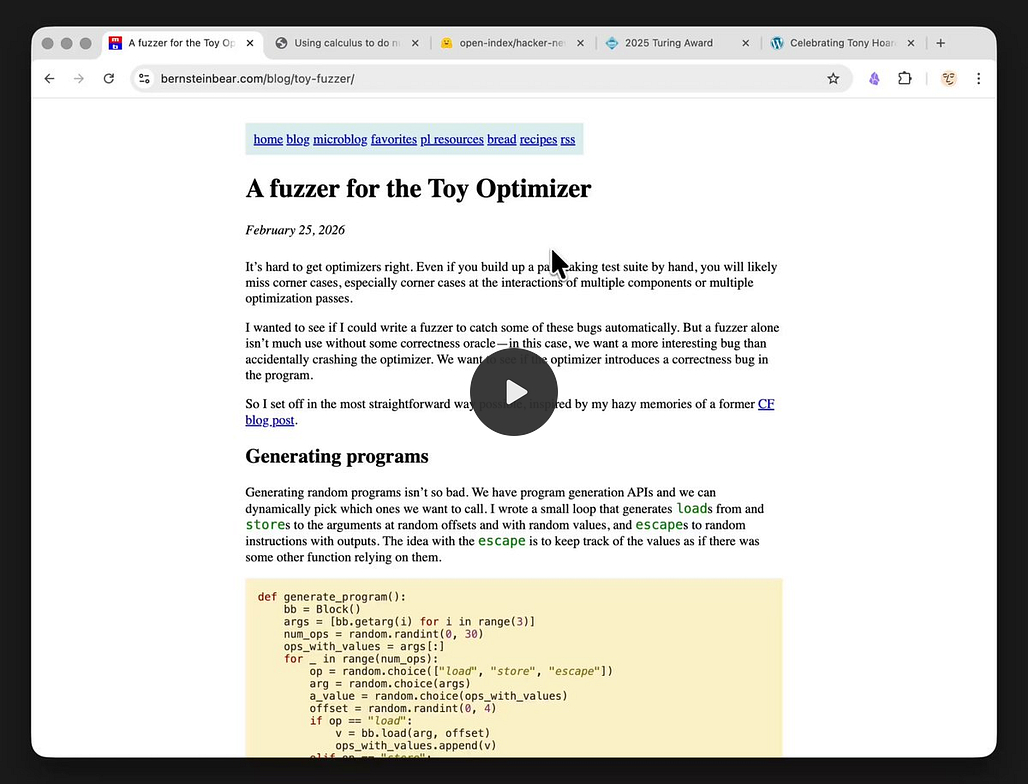
Obsidian Reader…no words needed, just check this tweet out.

Claude Code + Obsidian = Your Dream Second Brain
I tried Obsidian five times. Every time: set it up, used it for a week, forgot it existed. The sixth attempt worked because I added Claude Code. This video shows the full setup - a one-command installer, 4 slash commands that maintain the vault for you, and a file processing pipeline that turns messy docs into clean Obsidian notes.
Interesting Reddit Posts
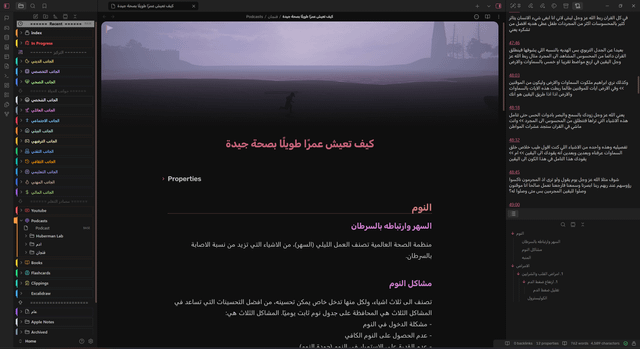
Thymer
Endless possibilities with Thymer?

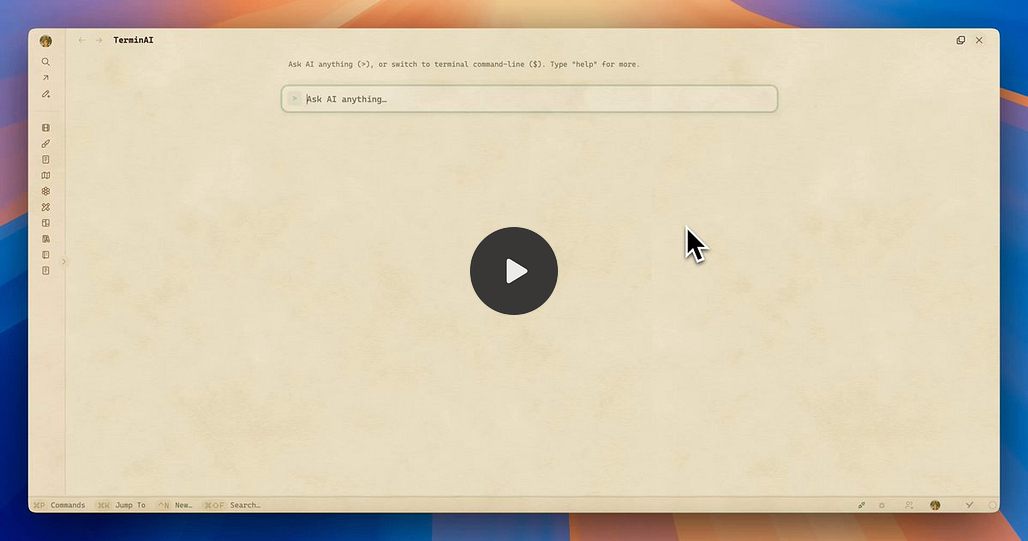
Join the unofficial Discord.
Apps Daniel Enjoys Using
Daniel did a video on a few apps that he enjoys using and Thymer was one of them - check out his video to see what he thinks. I am also a big fan of Thymer and Griply, for that matter.
Capacities
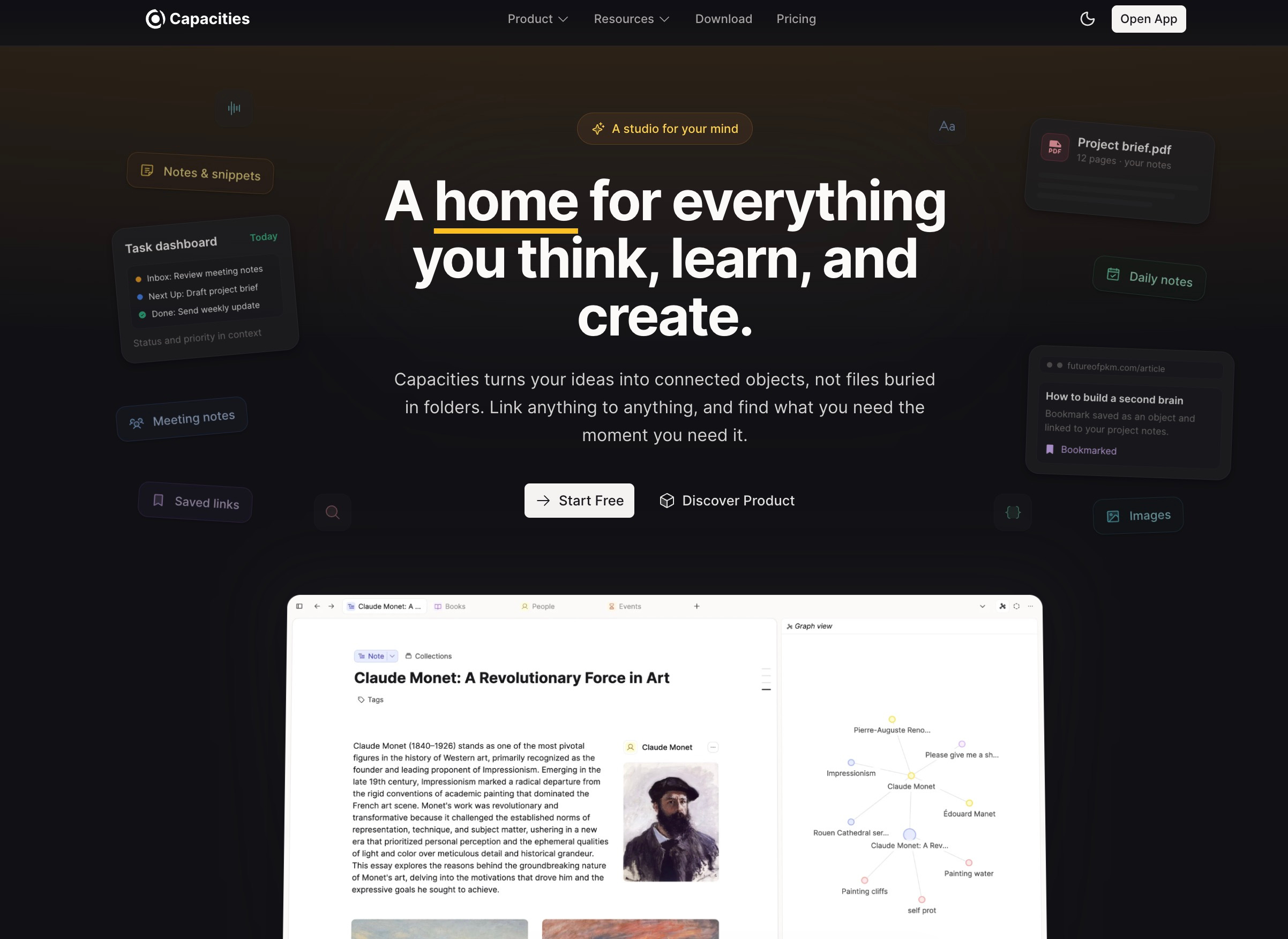
New Homepage
Capacities has completely reworked their landing page to give it a fresh look and update and improve the product and marketing pages!
The new landing page is much simpler and we decided to remove some content that was outdated or did not really reflect the product anymore. We’ve also improved our communication around what Capacities is and explaining the product better.
I did not think there was anything wrong with the old one, but it does look good.
TANA
Tana Change of Direction
This week, Tana announced that they are planning something new:
Tana (as we know it) will become Tana Outliner
Tana (new) will pivot into something very akin to Notion with some/most (?) capabilities of Tana Outliner, and with a focus on meetings and collaboration. Basically, going after enterprises, where Tana can earn its keep.
The Devs say they will maintain the Tana Outliner, but time will tell - very difficult to keep up with 2 products when you want to focus attention on the new toy. Time will very much tell what will happen.
There was a bit of a fiasco with the naming convention and app changes before users could absorb what changed, but that seems to have been overcome.
Here is a video of the AMA with Olav, which includes a brief demo of Tana (new):
Here is a copy of the new homepage:
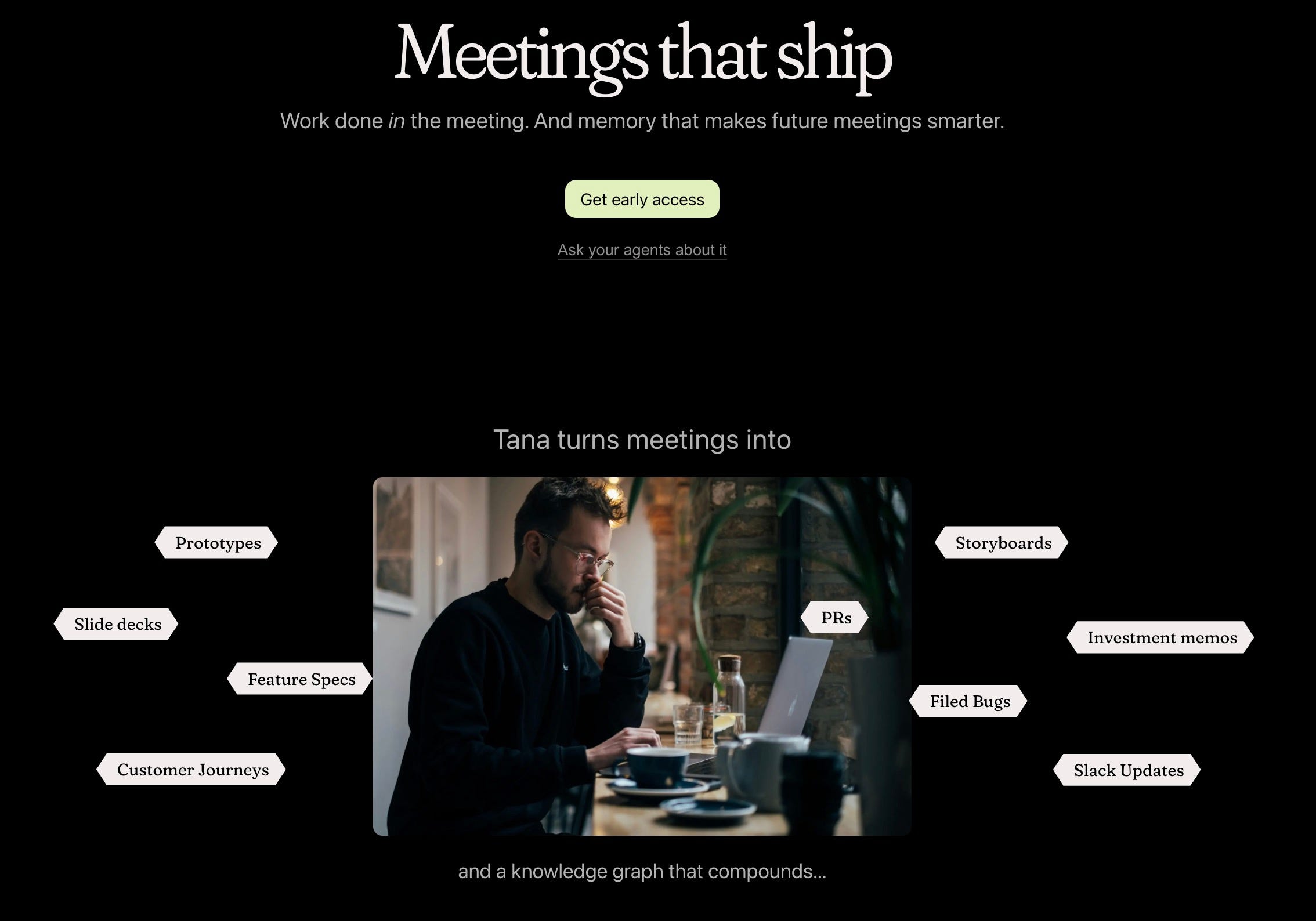
My thoughts:
Personally, I think there will be another pivot coming soon. I think they will realise that the Tana (new) with a focus on meetings will not be for everyone - the company I work for, for example, would never allow it. Most corporates are locked into Microsoft, so you are limiting yourself to start-ups or a few that are willing to try something completely new. The other issues I see:
You are giving the meeting content to AI to process - not everyone wants this
You are basically recording every meeting - not every meeting/attendee wants this
The good news is that for those who want to keep using Tana Outliner (Tana Old), you can, just keep in mind that this is very much the secondary product now though.
I hope I am wrong with the above, as I like Tana and the team behind it, but it seems like a case of chasing the money.
Logseq
I am afraid that of late it is becoming really difficult to find anything new that is happening on Logseq. Yes the devs are working on things and improving the db version etc. but there has been no meaningful update from the team on what they are doing.
On top of it all, there are more and more posts like this, Preparing a Logseq graph for migration to Obsidian — what should I watch out for? due to the complete uncertainty and critical bugs not being fixed.
Those on Discord love and praise the DB version, but even from the diehards you can start to see some discontent.
At this point, I really do wonder if there is anything left in the tank for Logseq. I hope I am wrong.
Octarine
Octarine now offers a 7-day free trial — try out all Pro features before purchasing a license. New installs are automatically onboarded on the trial while existing users can opt-in whenever they wish to start it.
Split Panes
The inactive panes now have reduced opacity, so it’s easier to see which editor/pane you’re using in split view.
Action buttons in the tab bar only appear for the active pane.
Command Bar
The current note’s name is displayed similar to a section header, and is the first set of actions available in the command bar.
Two new actions —
Copy ContentandCopy Content with Properties— let you quickly copy a note’s markdown to the clipboard, with or without its frontmatter properties. These are also available in the note breadcrumb’s more options dropdown.
Performance
Improved filesystem sync performance.
Fixed memory leaks.
Embedding indexing now only runs when you’re actively using Ask Octarine, rather than continuously in the background.
Improved performance of the file tree for larger workspaces.
And more v0.39.0
Workflowy
Calendar sync is live in beta
https://beta.workflowy.com/integrations/calendar/
One way sync from google calendar to Workflowy
Changes show up immediately
Event details and links are included
Heptabase
Quite a few updates from Heptabase this week:
App: Highlight and annotate text on Note cards - video
Mobile App: Home screen widget - Search, quick write, and voice note - Video
Mindmap: Vertical Layout (Right-click on a mindmap and choose “Rotate Mindmap” to rotate it vertically.) - Video
Editor - Bookmark blocks - Video
Mobile App: Editor Template - video
I kind of wish that Heptabase had put all these updates in one rather than 6 individual updates and videos, but here is the changelog.
Noteey
Noteey V1.51.0 - lots of bug fixes this week.
Bug Fixes (including but not limited to):
Fixed performance issues caused by too many GIFs in the library
Fixed crashes caused by null pointer exceptions
Fixed an issue where hidden or restored cards were displayed incorrectly under the “Current Project” filter
Fixed an issue where clicking hyperlinks on the canvas would open duplicate browser tabs
Fixed an issue where mind map node borders were rendered incorrectly after creating a new card on the canvas
Fixed an issue where the math editor dialog was not fully visible
Fixed an issue where inline math and math blocks were not fully displayed
Fixed an issue where normal text could not be entered after inserting inline math
Fixed an issue where math content pasted from other apps was displayed incorrectly
Zettlr
Zettlr 4.3.0. T
This update comes with big improvements in the file manager, allowing you to organise your work better.
Feature: Added a citation tooltip. When hovering over a citation cluster
in your documents with your mouse, this will generate a small bibliography of
just the items contained in the citation cluster and display it using the
tooltip. This allows you to quickly check which item you cited exactly.Feature: The Custom CSS editor now offers autocomplete assistance (#6226).
Feature: Added dedicated
mathcode block syntax highlighting to add
MathTeX to files without rendering (#6226).Feature: You can now close all standalone/root files as well as all
workspaces from a new file manager context menu that opens via right-click
onto the section headers or with a click on the corresponding button. In
addition, you can collapse all folders with a simple click (#6209).Feature: You can now manually change the sorting of your workspaces. By
default, Zettlr automatically sorts your workspaces by name. However,
sometimes you may wish to change the ordering. To do so, use the new file
manager context menu and select “Sort workspaces…”. This will open a popover
that allows you to change the workspace ordering using drag and drop. As soon
as you overwrite the sort order manually, this will disable automatic sorting
from here on. Newly opened workspaces will simply be appended at the end of
the list of open workspaces. To re-enable automatic sorting of your
workspaces, use the new setting in the file manager preferences, or click the
corresponding button in the sort popover.
Lots has changed, so please see the changelog.
Distillr
I am always a fan of seeing new apps and after Pär reached out to me, I wanted to share his creation, Distillr.
Your YouTube research, finally searchable. Add your sources. Ask anything. Get cited answers with timestamp links. Built for analysts, researchers, and writers who treat YouTube as a primary source.
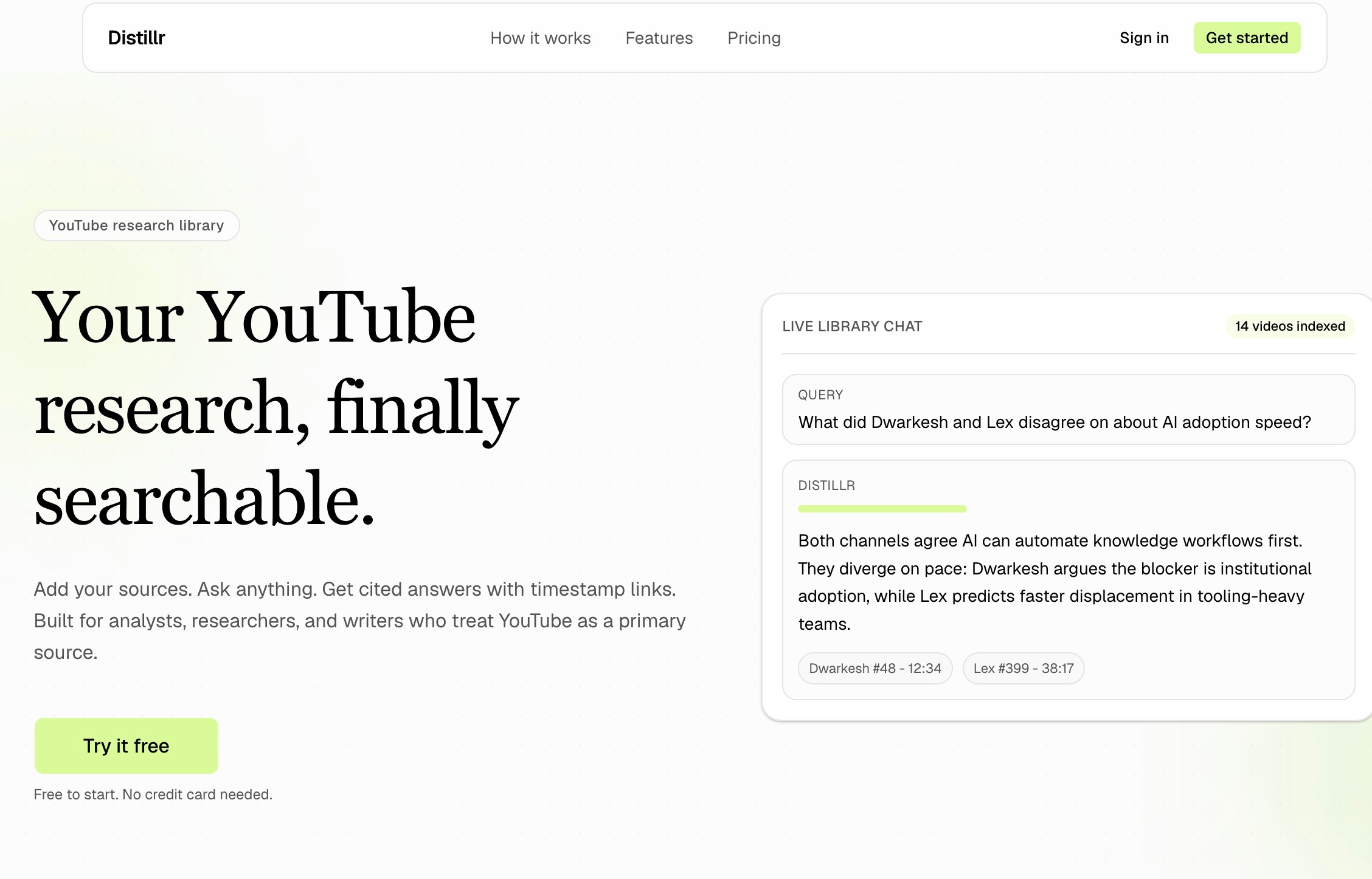
Very easy to sign up, add a source, and get the video content you can then interact with.
Substrak
An overview of the app I developed (with Claude) to keep a handle on the subscriptions.
That’s all for this week. Thank you very much in advance for reading and I look forward to bringing you more PKM news next week.