Hi Everyone,
We are back with another episode of PKM Weekly. Let’s see what is in store for us today.
Thymer
Release Updates
A few things were implemented this week, including:
search history (local)
pinned searches (sync between devices)
MANY unicode localisation improvements. definitely not perfect yet, but it’s a start
Inline references
F2 rename improvements in sidebar
Focus issues when reloading plugins
Selection collapse fix when navigating with arrow key
Show/hide page properties and show/hide journal query in command palette (and fixed animation glitches and other smaller stuff)
Power of Thymer Plugins
I think a cool thing about Thymer is how easy it is to transform the data to make it work for you. I love seeing my weekly journals side by side to glance at what I was up to, what happened and any key takeaways. With Thymer, a few prompts, I was able to achieve just that and published it here in case anyone wants the same.
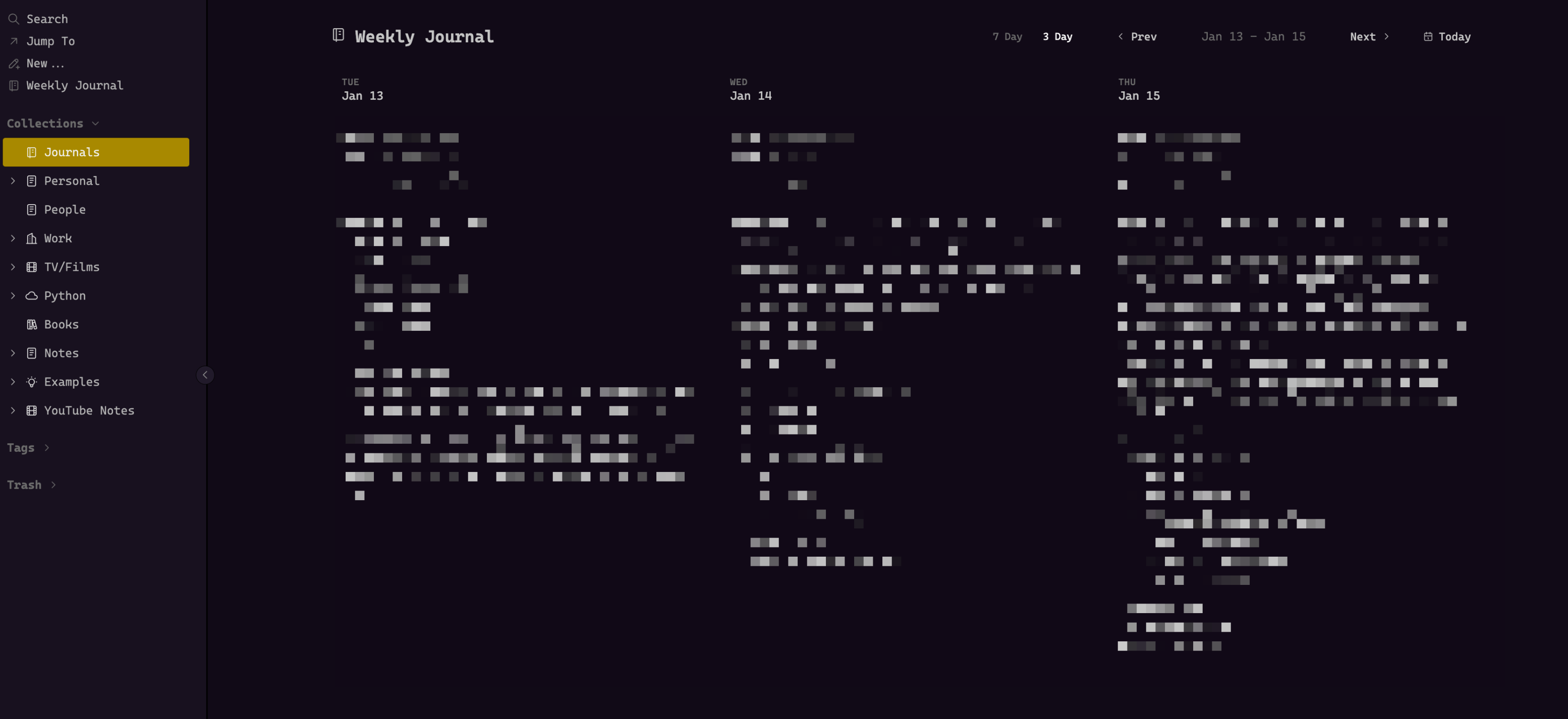
Would I want this to be a core feature? Maybe, but with the power of Claude Code or whatever other tool you use, a few prompts, some copy and pasting, you can tweak the plugin to make it your own.
For example, you may not want a 3-day view, but a 5-day view. Simple - copy the code, ask your LLM to amend the view from 3 to 5 days, paste it back in, test, and you are done.
Slowly, I think I am coming round to the idea of the plugin functionality - especially with relatively simple things like viewing my data in a different way that works for me. Join the unofficial Discord for more plugins (and themes).
More News in Thymer Weekly
If you want to get more news and insights into Thymer, then check out my other publication:

Obsidian
V 1.11.5
Secret Storage is now encrypted at rest.
Daily notes: Folder path is now normalised.
Daily notes: If you were previously using the “Open daily note on startup” option, you will be automatically migrated to use the new “Files & Links › Default file to open” setting.
Improved layout of keychain settings.
Disabled auto-capitalisation on the secret ID input field.
Added more space for property names to be displayed.
Android: Sidebars now use the old slide-over effect due to performance constraints on older hardware.
New mobile design, widgets, Siri integration, shortcuts and more!
The 1.11 update contains major changes to Obsidian's appearance on mobile so please remember to update your themes and plugins. If you encounter any issues, try using the default theme and restricted mode
Post - includes video
Following the mobile app refresh, a user posted, “So the update finally arrived on mobile, some will be happy, others sad, but hey! Let's let go of the resistance and embrace the change; we may not be used to the new design, and try to stick to the old one nostalgically. I appreciate the developers' effort for the redesign, and I like it!”
See the comments this generated here.
Obsidian Bases – Project Management
Construct by Dee continues with the Obsidian Bases series, and this time looks at creating and setting up a Base for project management.
Capacities
Capacities Discord AMA
The Capacities did an AMA on Discord to answer questions from users / potential users.
A lot of questions were asked and answered, so check it out here.
How I use Capacities for Task and Project management with Periodic notes and Zettelkasten note-taking
OP published a postafter trying to use Capacities as a full-blown life management system. It works pretty fine!
Here’s the setup of their core tools:
Calendar: Google Calendar for events, deadlines, and commitments. Synced with Capacities Pro so that I can see them from my
Daily Notesobjects.Quick task capture: Todoist (free) for one-offs, reminders, and inbox processing. It is synced to a
TodoistGoogle Calendar so that I can see them from myDaily Notesobjects.Goals & projects: Capacities Pro (replaced Timestripe)
Notes: Capacities Pro with Zettelkasten + Readwise Reader
Storage: Google Drive
Habits: None. I stopped tracking habits in 2026 because it stressed me out (similar issues to this post). Now I use environmental cues instead, like keeping workout clothes visible.
TANA
Tana 1st Release of 2026
AI voice chat with any node in your workspace (iOS early access)
Improved AI voice chats with Supertags (iOS early access)
Summaries and illustrations from your voice chats! (iOS early access)
(We are working on Android parity for this, but for now, it is iOS only)
Also, a great Goals template from @Theo
And expand state is kept when you publish nodes with Tana publish!
Full changelog.
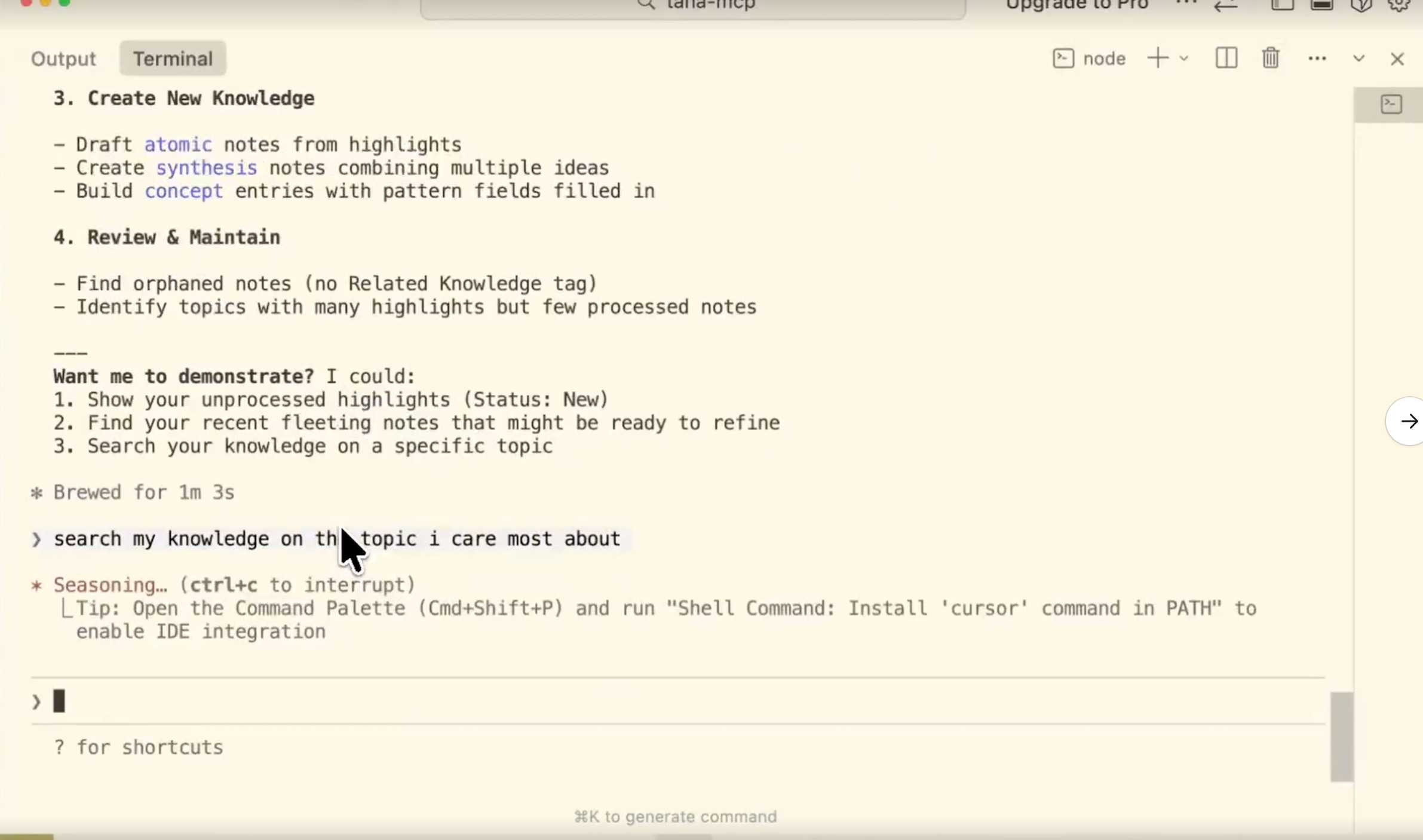
There was also a very brief preview of a Tana MCP. More coming soon, I’m sure.
Tana Releases in 2025
Tana has come a long way in 2025. Here is a recap of some of the most impactful updates we’ve made this year! Here’s to another year of meetings, notes, and big updates.
I really love Tana but I’m worried about long-term data access
OP Wrote: I’ve been using Tana for several months and honestly, it’s the best PKM tool I’ve ever used. The supertags, the relational structure, the interface – nothing else comes close.
But here’s my problem: I use Tana for work, and I need my data to be accessible for years, maybe decades. What happens if Tana shuts down one day? All our data lives in their cloud. The offline mode is grea,t but it still depends on their servers for authentication. And yes, there’s Markdown export, but let’s be real – you lose everything that makes Tana special. No more supertags, no search nodes, just flat text files.
Logseq
I honestly don’t think I could function without Logseq anymore
OP wrote - I’ve been using Logseq for about a year now, and it’s become so much more than just a note-taking app. My entire life is documented here, and I plan to keep it that way. Lately, this has led to an existential crisis. I’m worried about the long term.
Overthinking things, or is OP right to be worried?
Logseq Sync Test Access
A few questions this week have been around how to obtain access to test the new Logseq Sync for the DB version.
For now, all sponsors ($15/month) have access to the new sync and the new mobile apps. Access is rolling out slowly, and more and more people are being added.
Griply
Griply released a few improvements, which include:
Support for Korean keyboard.
Dates are clearer: if a due date or habit is in a different year, we now show the year as well.
You can choose to show completed tasks in goal and life area details.
Archived goals no longer clutter your task lists.
Completed goals are now clearly labelled when tasks are grouped by goal. They stay hidden by default, but appear if there’s still an unfinished task inside.
Active filters are easier to spot thanks to a more visible filter badge.
Completed tasks now show their original due date instead of “236d ago”.
You can now join our new Discord community directly from the profile settings.
Goal hierarchies are easier to scan thanks to improved indentation in the goal list.
and others. If you want to see even more of the updates implemented, check here.
For those wondering about the release date of a dedicated Android App, the devs commented, “We’re working towards an Android app later this year, but we don’t have a fixed ETA yet. What we can say for sure is that it won’t be Q1. Realistically, it’s more likely to land in Q3/Q4 (maybe Q2).”
In the meantime, you can use Griply reasonably well from the mobile browser.
Octarine
v0.33.3 is out!
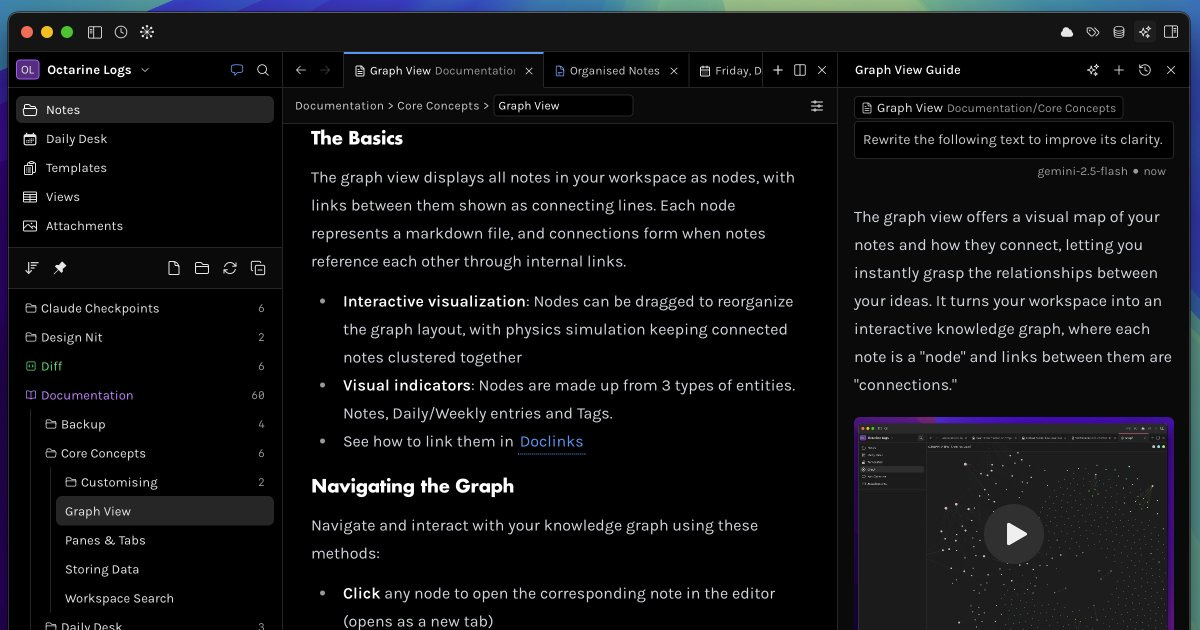
Somehow, Octarine is now even faster!
Reduced idle CPU usage.
Enhanced scrolling and loading performance for large notes.
Quick shortcuts in the landing page are now clickable.
Evernote / Todoist
So, of late, there have been a few tweaks to pricing philosophies on a couple of apps we (maybe, used to) love.
Evernote is going for the whopping USD 8 per month for the starter plan, which is limited to 1,000 notes, or USD 21 if you want to go all in. A bit cheaper if you go for an annual plan.
Todoist has also increased plans for Todoist Pro
Monthly: $5 USD → $7 USD per month
Yearly: $4 USD → $5 USD per month ($48 → $60 per year)
A sign of the things to comein other apps too?
Noteey
Noteey V1.45.0 is available!
New Features and Improvements:
Bidirectional mind map/Markdown conversion
Elbow-style connector lines
Multi-select support for canvas elements
Batch Markdown import in Tag database
Shows “last updated time” in 3rd-party sync option menu
Bug Fixes
Appflowy
v0.11.0 is out, with so many amazing updates
New database features available on the desktop app:
Two-way Relations: Automatically sync connected data between databases, ensuring that information added in one place instantly appears in the other
Filter by Relation: Select the specific page(s) from the related database that you want to use as criteria for the filter
Rollup: Rollups help you aggregate data in your databases based on relations
Database Search: Search names of database pages, as well as property values (such as a status of “In progress”) and content inside database pages
Improved Linked Views of Databases: We have modified the logic for creating a view of an existing datasource in a document. From now on, new linked views will only show up under the pages where they are added.
More Calculation Options: Count all, count values, count unique values, count empty, count not empty, percent empty, percent not empty, earliest date, latest date, date range, sum, average, median, min, max, and range.
More details can be found here: https://appflowy.com/guide/v0-11-0-new-database-features
Behind the scenes, we have refactored our database code to make it more reliable, scalable, and performant.
We also fixed 40+ reported database bugs. You can find more details here: https://appflowy.com/guide/v0-11-0-database-bug-fixes
Upcoming releases:
Google Drive Embeds
Database Chart View
Export as PDF
Working in progress:
Database Formula
Database row page can be mentioned and shared
Readwise Reader
Lots of updates:
Fixed Chat with Highlights — Ibai fixed a glitch that could cause Chat with Highlights to give an unexpected error on Android devices where the local time was slightly inaccurate.
Fixed Bulk Updates — Tristan fixed a bulk update glitch that could cause the app to stop updating properly.
Improved TTS Autoscroll — Mati made text-to-speech autoscroll preferences persist between articles. Your autoscroll setting will now stay the way you set it as you move between documents.
Improved Ghostreader Reliability — Mati improved how Ghostreader handles YouTube and podcast transcripts; it should now have more context when answering questions.
Fixed Animation Settings — Modals, menus, and horizontal pagination now properly respect your “reduced animation” preferences.
Fixed Podcast Transcripts — Mati fixed several issues where incorrect podcast episodes were being saved from Spotify and Pocket Casts links.
Fixed Review Warnings — Ibai fixed a bug where Themed Reviews were incorrectly showing a warning message that was only meant for Daily Review emails.
That’s all for this week. Thank you very much in advance for reading and I look forward to bringing you more PKM news next week.
Thanks for the write-up. Always helpful to get a short overview of what is happening in the PKM App space. 🫶