Hi Everyone,
We are back with another episode of PKM Weekly. Let’s see what is in store for us today.
Obsidian
V 1.11.0 / 1.11.1
A couple of updates were released this week to the desktop and mobile versions, including:
Added icons to settings sections.
Markdown links are now supported in text and list properties. Internal links are automatically updated when the destination file is moved or renamed.
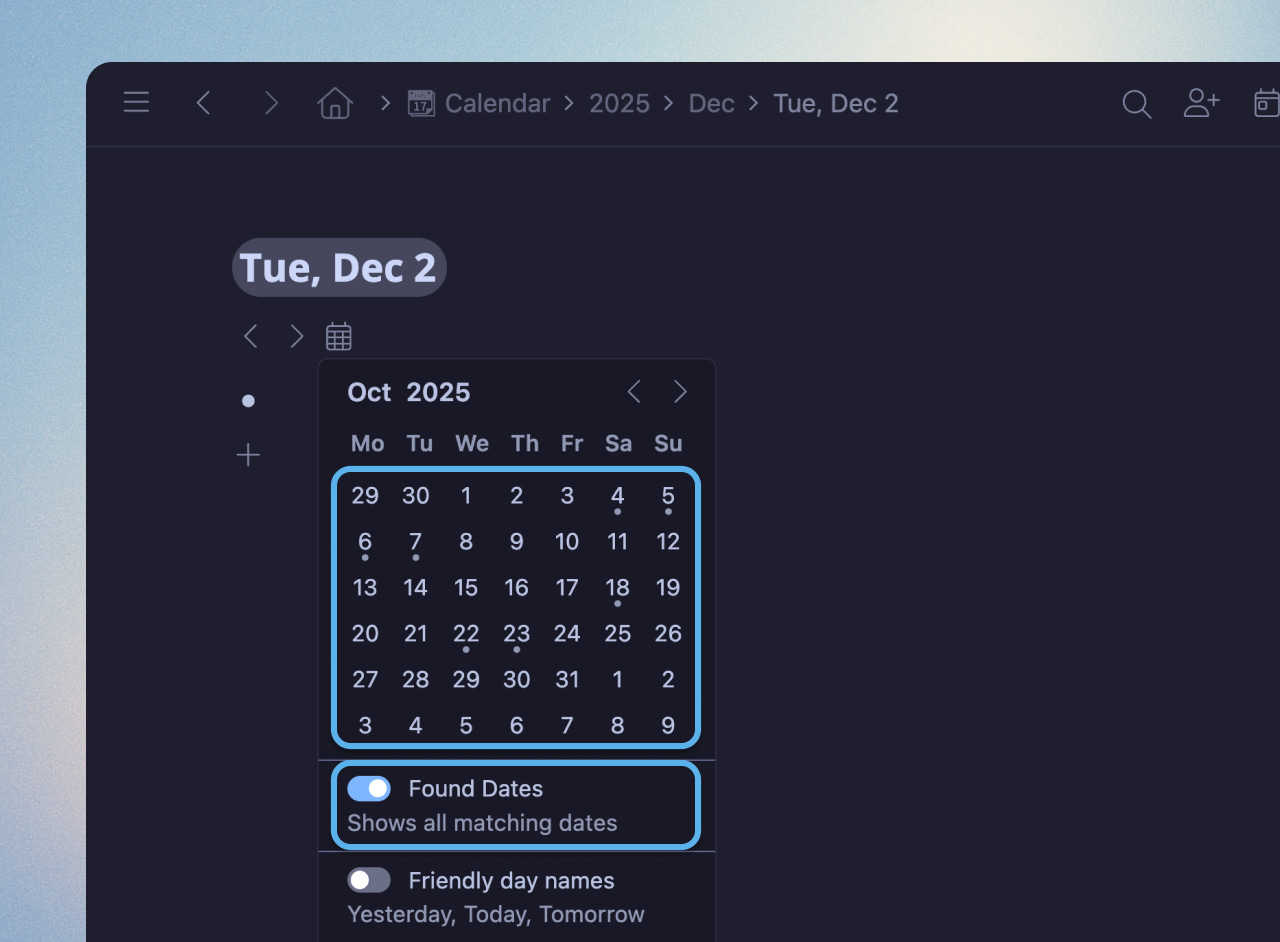
Daily notes: The daily note format can be selected from a list of predefined formats.
Attempting to rename a file to include unsafe characters (such as ‘#’ or ‘]’) will only result in a warning.
When importing files (e.g. via drag and drop), Obsidian now automatically strips out invalid characters from the filename.
Added a “Copy path” submenu to the file context menu.
Lock Screen and Control Center widgets let you quickly Create a new note, Open a specific note, Open daily note, Open search, or Open Obsidian.
Home Screen widgets let you Create a note, View a note, or Open your daily note.
New widgets: Open Note, New Note, Search, Daily Note, Open Obsidian. You can add multiple widgets of the same type to open different files, or trigger different search queries. Configure them by long-pressing the widget.
Changelog. See a video demo of the mobile design and widgets here.
I Built an AI Employee That ACTUALLY Works For Me (Opus 4.5 + Obsidian)
Video by Rilen on Claude Opus 4.5 is my new agent command centre. In this video, watch as I go over how powerful Claude Opus 4.5 is as a general-purpose agent integrated with the Obsidian note-taking app.
Learn to set up a full workspace where Claude Code organises and maintains your tasks, offering solutions like web searching, content research, scripting, and more
How you can follow these steps and then delegate numerous tasks, making Claude Code your new digital assistant/employee
Interesting Reddit Posts
How do you use Obsidian for your day-to-day work? - I’m more curious about how people use Obsidian in a typical work setting - project management, tasks, documentation, etc.
Life Tracker - A New Obsidian Plugin - Currently, this plugin provides a new type of Obsidian Base View: Life Tracker, which visualises each property that is included in the base as a chart or graph (depending on what you choose).
Capacities
Task Management
Everyone needs a system to help them get things done. Having that system embedded directly in the context of your work, without the need for any setup, is a unique approach that other task managers can’t offer. We’re super excited to introduce contextualised task management in Capacities.
In addition to the above, the team has also released:
Two themes for Capacities
Graph View Customisation
Resizable Media Embeds
Highlight Improvements
See the full details - changelog.
v1.57.14 (2025-12-10)
Latest update incldues:
Better natural language processing for task titles. It now works better with mentions of “Wednesday”, etc. It also works for dates in the past.
Option to “Move to today” in today’s calendar view to move overdue tasks to today.
Fixed an issue where many objects were duplicated unexpectedly, causing problems with backlinks and data consistency. This resolves situations where duplicate copies of people, areas, companies, or projects appear without proper links.
Resolved a critical bug that caused nearly all items in the database to be duplicated after the last release, making the app difficult to use. This fix addresses multiple copies of the same item and their broken connections.
What’s Next?
The devs have confirmed that: After the holidays, we will share another “What’s Next” article, building on our most recent one. There are still some projects on there that we’re working on and that will launch next year.
TANA
December Advent Calendar Recap
So far in December, they have released:
NanoBanana in Tana (both for banner generation and custom AI commands)
Updated colour schemes in light and dark mode
Fully collapsible (and resizable) sidebar
New Recents view - find the latest things you have been working on (with Entities in searches)
New view toolbar - instant access to filter, Sort, Group and display options
New AI chat view - cleaner design + prompt caching and lower token spend
‘Send to tomorrow’ capture target for mobile (plus up to 2h voice memos!)
New custom colour picker for Supertags
Reorderable tabs, from the mouse and keyboard.
GPT 5.2 is available in AI chat and AI commands
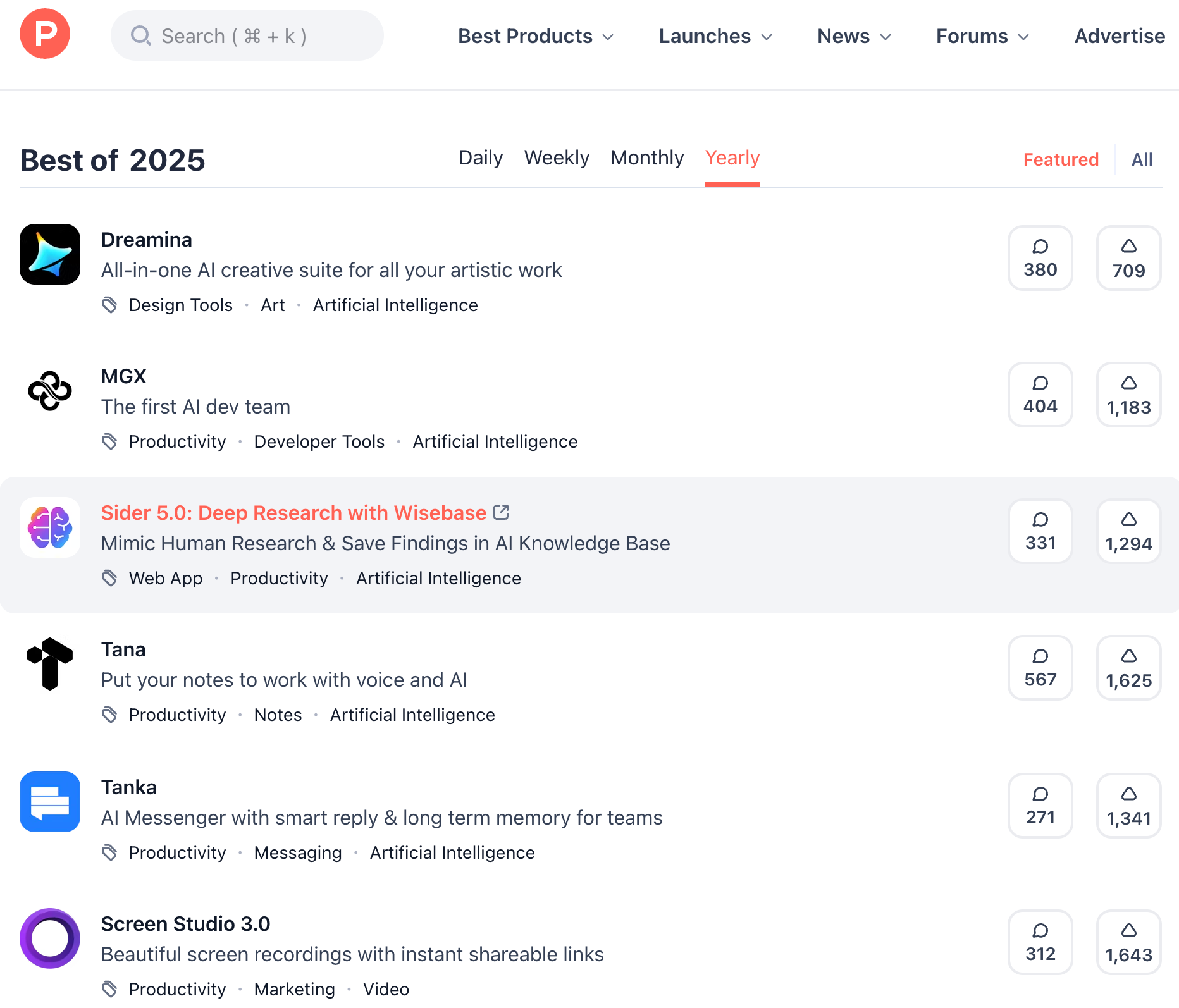
Tana Producthunt Launch of the year?
Tana has already won Product of the Day, Product of the Week and Product of the Month. They now need that last little push to also win Product of the Year.
Help Tana secure the #1 Product Hunt spot for 2025! https://www.producthunt.com/products/tana/launches/tana-2
Tana Annual Review Session
On Wednesday 17 December, come and join the team, Theo, Mark, Matt, and Brage, along with special guests and Tana Ambassadors Nick, Simon, and Ev, to explore Annual Reviews in Tana.
We’ll talk through, demo, and build workflows that help you reflect on the year that was.
Logseq
Android (new app) Coming Soon
This PR adds comprehensive Android native UX support to match the existing iOS implementation, enabling a consistent native experience across both mobile platforms.
Key Changes:
Introduces Android-specific native UI plugins (top bar, bottom sheet, editor toolbar, selection action bar) using Jetpack Compose
Implements native navigation with slide animations and back gesture handling via Compose Navigation
Adds Android theme synchronisation with system light/dark mode support
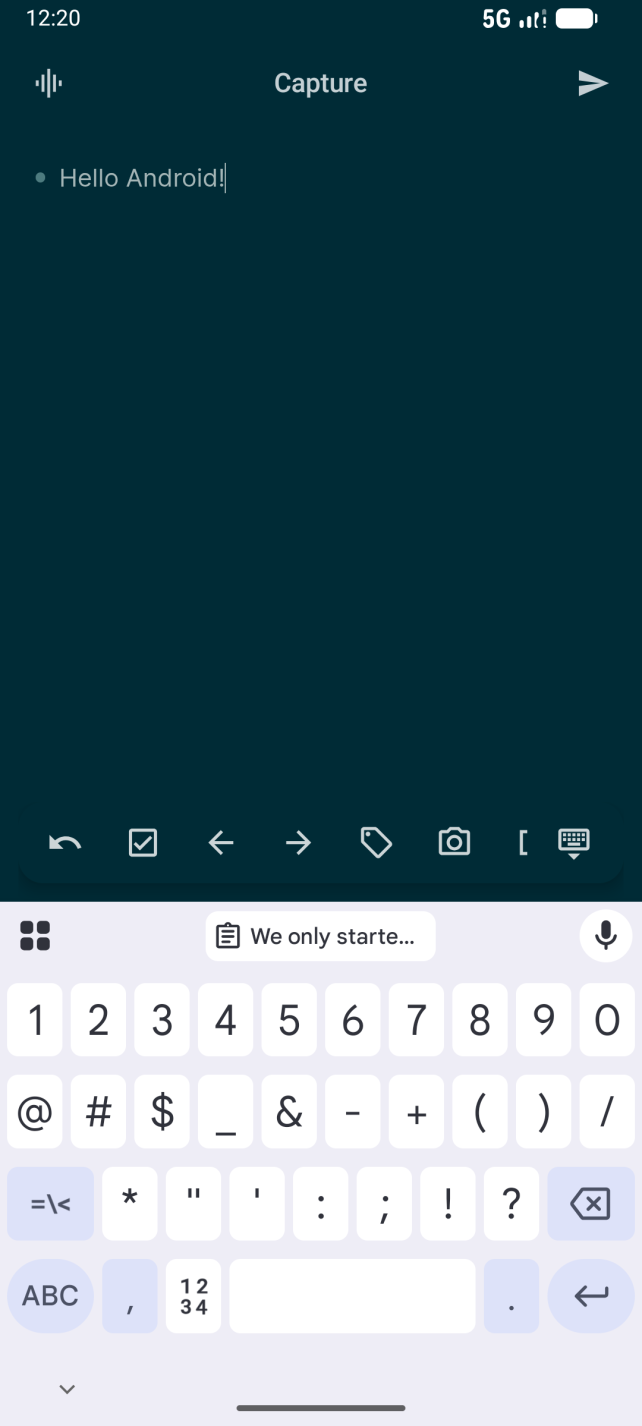
Coming back to Logseq, has anything changed? Was too slow last time.
OP Asks: Coming back to Logseq, has anything changed?
I really adore Logseq. It’s the first app that truly helped me start organizing my ADHD brain. Had tried Notion, Clickup, Capactities, and others before then found Logseq. I fell in love with the ease of creating and linking notes. It was so brain dump friendly, which fit my needs perfectly. Left Logseq last year due to it slowing down HARD.
Craft
One last beta for this year, and it is an exciting one.
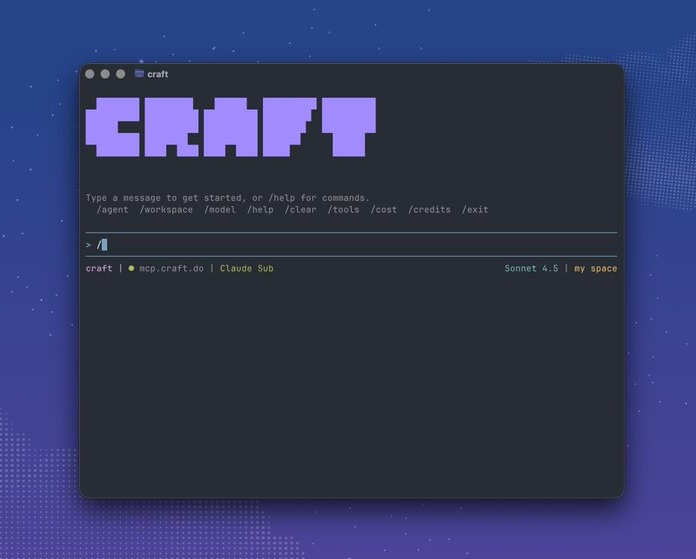
Craft Agents: where docs become agents. Write instructions in a doc and it turns into a working assistant. No code required.
Want in this weekend? Reply here with why you’re excited and you’ll get priority access.
Other interesting posts about Craft:
Unsure where to start - check out this video playlist.
3.3.3 update is out with 60% Winter Bundle & first winners of Winter Challenge. Plus: Updated Craft Assistant, Full Space API and MCP capabilities, Many more improvements and optimisations. Read all the details here.
Where has Craft Gone? - I’ve been using Craft for years. I’m currently torn, where Craft was originally a focused solution for note-taking that was easy to jump in and out of, I feel it’s getting “heavy”. I’ve found myself lost in menus on the iPad app, struggled with the linear versus calendar view for the daily notes, overwhelmed by the push to AI all the things, and even typing feels like it has a lag across multiple Mac’s and the iPad.
Workflowy
Lots of updates to Workflowy
Numbered List - Long requested by the very organised Workflowy user, you can now easily turn any item into a numbered list! Great for er, putting things in order.
Themes - We’ve added two new themes to bring some seasonal warmth; Matcha and Chocolate.
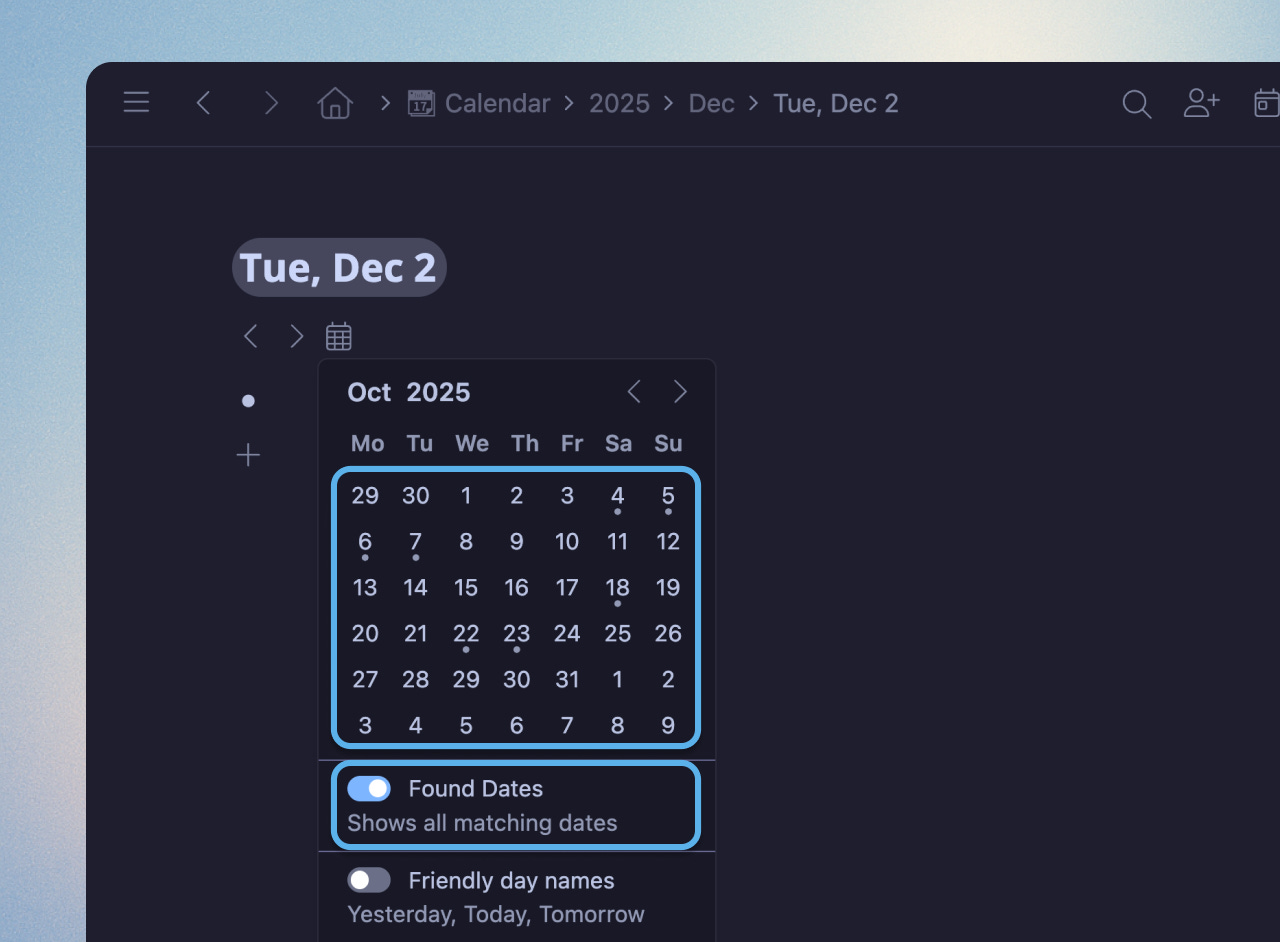
Calendar - We’ve polished the Calendar again to smooth off some rough little edges.
Boards UI Improvements - We polished the look and feel of Boards. This includes fixing the sub-column padding issue that made the text inside cards look vertically off-center, making sure numbered lists display properly, and correcting arrow positioning on mobile.
API Support - External tools can now better integrate, as we’ve added support for parsing markdown dates and content formatting.
General Quality of Life
Heptabase
Heptabase MCP (Model Context Protocol) is officially in public beta! If you’re a normal user, you can use MCP to connect Heptabase to ChatGPT, Claude, or other AI services. This will unlock two powerful workflows:
Save to Heptabase: Imagine you’re discussing a topic with ChatGPT and find the conversation useful. You can simply ask ChatGPT to summarize the discussion into a note and save it to Heptabase as a card or append it to today’s journal.
Consult your Knowledge Base: You can ask ChatGPT to find whiteboards and cards related to a topic, read them, and provide answers based on your existing knowledge, without even opening Heptabase at all!
If you’re an AI developer, you can use our MCP to build advanced workflow automations with the tools we provide. To get started, check out this document we wrote: http://support.heptabase.com/en/articles/12679581
Noteey
V1.42.0 is available for update. Some Big & Beautiful new features! New Features and Improvements:
Cards can now be published to the web.
Added #noteey-tutorial tag.
Database grid view now supports property display.
Presentation mode now supports manual reordering of frames.
Tag groups now support manual reordering.
Added quick settings feature to the canvas.
Significantly optimised the canvas performance of local video loading.
Reader (Readwise)
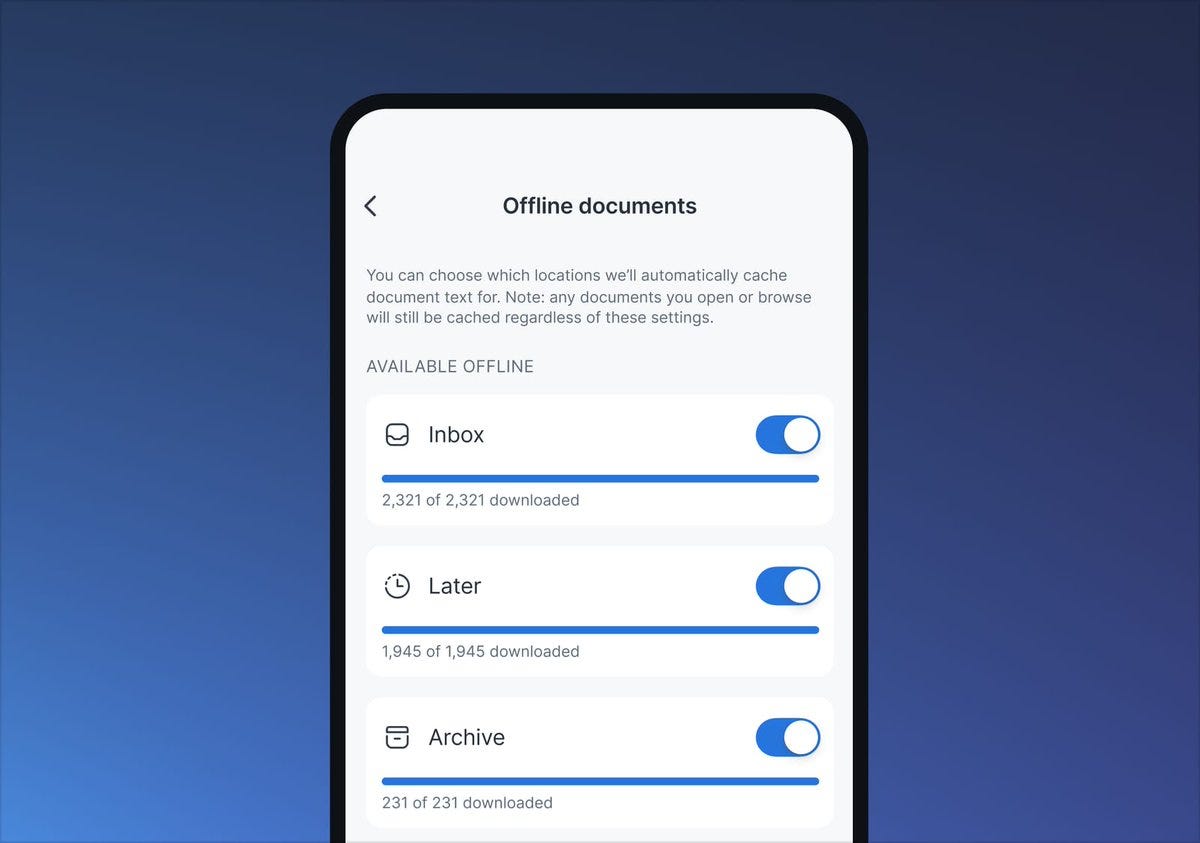
Offline v2 - Your Library content now downloads for offline reading much faster and more reliably, with clearer controls and a dedicated Offline Documents screen.
and so many more amazing updates:
Reader for Tablets/iPad — You can now read with a two‑column view, better sidebars, native stylus support, and lots of other tablet-specific polish.
Ghostreader v3 (Web) — You can now use Ghostreader as an evolved, intuitive, full-bodied chat interface on web with better answers, links to cited text, and your preset prompts built in.
Podcast Transcripts — You can now use Reader as a podcast companion: save episode links from your podcast app of choice to get a permanent, highlightable transcript.
Zapier Integration — You can now connect Reader (and Readwise) to basically any other app and create powerful workflows using Zapier.
ChatGPT Copilot (Readwise) — You can now effortlessly capture the important takeaways from your ChatGPT conversations as highlights, right from the ChatGPT site.
Themed Connections (Readwise) — You can now enable this (surprisingly magical) review, which surfaces a theme unique to your highlights each week.
Thymer
Animations and interactions throughout the app so progress always feels visible, like in the Kanban board view:
https://x.com/wcools/status/1998851711147106579
Also, just to confirm - the above is not the actual roadmap, one ticket left for alpha. Unofficial Discord + Reddit.
That’s all for this week. Thank you very much in advance for reading and I look forward to bringing you more PKM news next week.
Atlast logseq android. Yay!!!